How to Stop WhatsApp from Filling Up Your Phone's Gallery and Storage
Simple adjustments for Android and iPhone users to prevent WhatsApp from automatically downloading and cluttering device storage.
 🩺Health
Photo: UNIAN
Key points
- WhatsApp automatically saves media and fills device storage
- Android and iOS settings can block unwanted downloads
- Built-in tools help quickly clean up heavy files
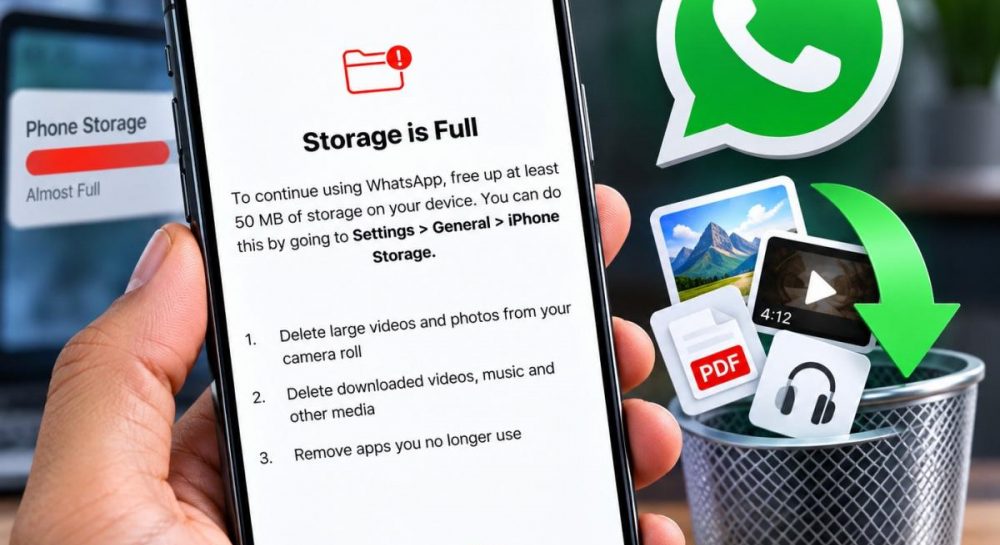
Mobile devices with 64GB or 128GB of storage often run out of space quickly due to modern messaging apps. WhatsApp is known for automatically saving incoming photos, videos, and documents directly to the device's internal memory, which can overwhelm the storage in a matter of months.
Adjusting Media Download Settings
Experts note that media files from messaging apps can take up anywhere from 2 to 10 gigabytes of space. Fortunately, both Android and iPhone users can change a few settings to stop this continuous accumulation of files and regain control over their storage.
On Android devices, disabling automatic media downloads ensures that incoming photos and videos appear as blurred previews. Users can then manually choose which items are important enough to download to their phones.
For iPhone users, a specific feature prevents WhatsApp from duplicating every received image into the main photo gallery. This keeps media files inside the application chats rather than cluttering personal photo albums.
Cleaning Up Existing Storage
If a smartphone's memory is already full, the built-in storage management tool within the application helps analyze chats, sort heavy files, and remove unnecessary digital clutter in just a few minutes.
Source UNIAN — unian.ua/techno/communications/yak-zvilniti-do-10-gb-na-smartfoni-p… ↗
Read next
 🚨Events
European Commission Unveils 22nd Sanctions Package Targetting Russian Banks, Energy, and Sports
The European Commission has introduced its 22nd sanctions package against Russia, featuring the disconnection of nearly 60 banks from SWIFT, measures against the shadow f…
 👥Society
New SPA Complex Planned in a Community Near Stryi Region
Sudova Vyshnia is initiating a land-use change for a nearly 4-hectare plot to pave the way for a new tourism and hospitality hub.
 👥Society
K9 Officer Cash Locates Missing Girl in Khmelnytskyi Region
A service dog helped police find a young girl who fled her home following a family dispute in the Kamianets-Podilskyi district.
 🛡️Security
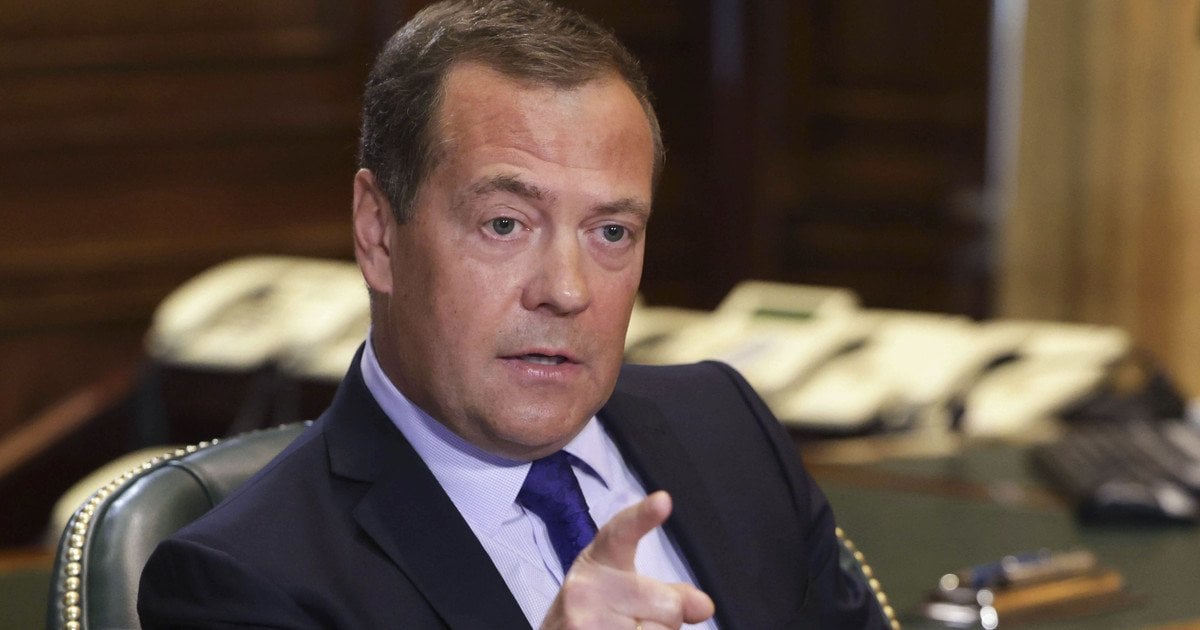
Another Nuclear Blackmail: Kremlin Threatens Preventive Strike
Deputy Chairman of the Russian Security Council Dmitry Medvedev has voiced new threats regarding the possible use of nuclear weapons against Ukraine and its partners.
 🇺🇦Ukraine
EU Responds to Kremlin Invitation: Brussels Insists on Multilateral Negotiation Format
The European Commission acknowledged Putin's invitation to Moscow but emphasized that any security discussions must be multilateral and involve NATO allies.
 🏛️Politics
SAP Prosecutor comments on the effectiveness of NABU’s media strategy
SAP Prosecutor Rostyslav Batig praised the work of NABU's media team amidst ongoing debates regarding the quality of evidence in high-profile anti-corruption cases.